

Quick answer: Setting deposit and time limits before you start playing helps you stay in control of how much money and time you spend on iGaming. These limits are tools built into most platforms that let you decide your own boundaries in advance, so you don’t have to rely on willpower in the moment. They work by automatically stopping play or deposits once your pre-set threshold is reached, making it easier to stick to your plan. Think of them like seatbelts — not because you expect to crash, but because they’re there just in case.
Key takeaways
- Deposit limits cap how much money you can add to your account over a set period (daily, weekly, or monthly).
- Time limits automatically log you out or block access after you’ve played for a chosen duration.
- Limits are set in your account settings and apply immediately or after confirmation, depending on the platform.
- You can lower a limit anytime, but increasing it usually requires a cooling-off period (often 24 hours or more).
- These tools are part of responsible gambling features and do not affect game odds, RTP, or outcomes.
- Always check your platform’s current terms to confirm how limits work and what options are available.
- Setting limits before a session is more effective than trying to stop mid-play.
Opening scene
It’s 8:15 PM. You’ve just finished dinner, the dishes are done, and you’re sitting on the couch with your phone in hand. You’re thinking about playing a few rounds of your favourite slot or checking the cricket odds for tomorrow’s match. Before you tap open the app, you pause — not because you’re unsure, but because you want to make sure tonight’s play stays fun and within your control. That pause is where setting limits begins.
This guide will walk you through how deposit and time limits work, why setting them before you play is smarter than deciding in the moment, and how to use them as part of your routine. It will not tell you how to win, suggest any game is “due” for a payout, or promise that limits guarantee safety. It explains the mechanism — not the outcome.
What deposit and time limits are and why they matter
Deposit limits are pre-set caps on how much money you can add to your iGaming account over a specific time frame — usually daily, weekly, or monthly. For example, you might set a daily deposit limit of ₹2,000. Once you’ve deposited that amount, the platform will block further deposits until the period resets (e.g., at midnight for daily limits).
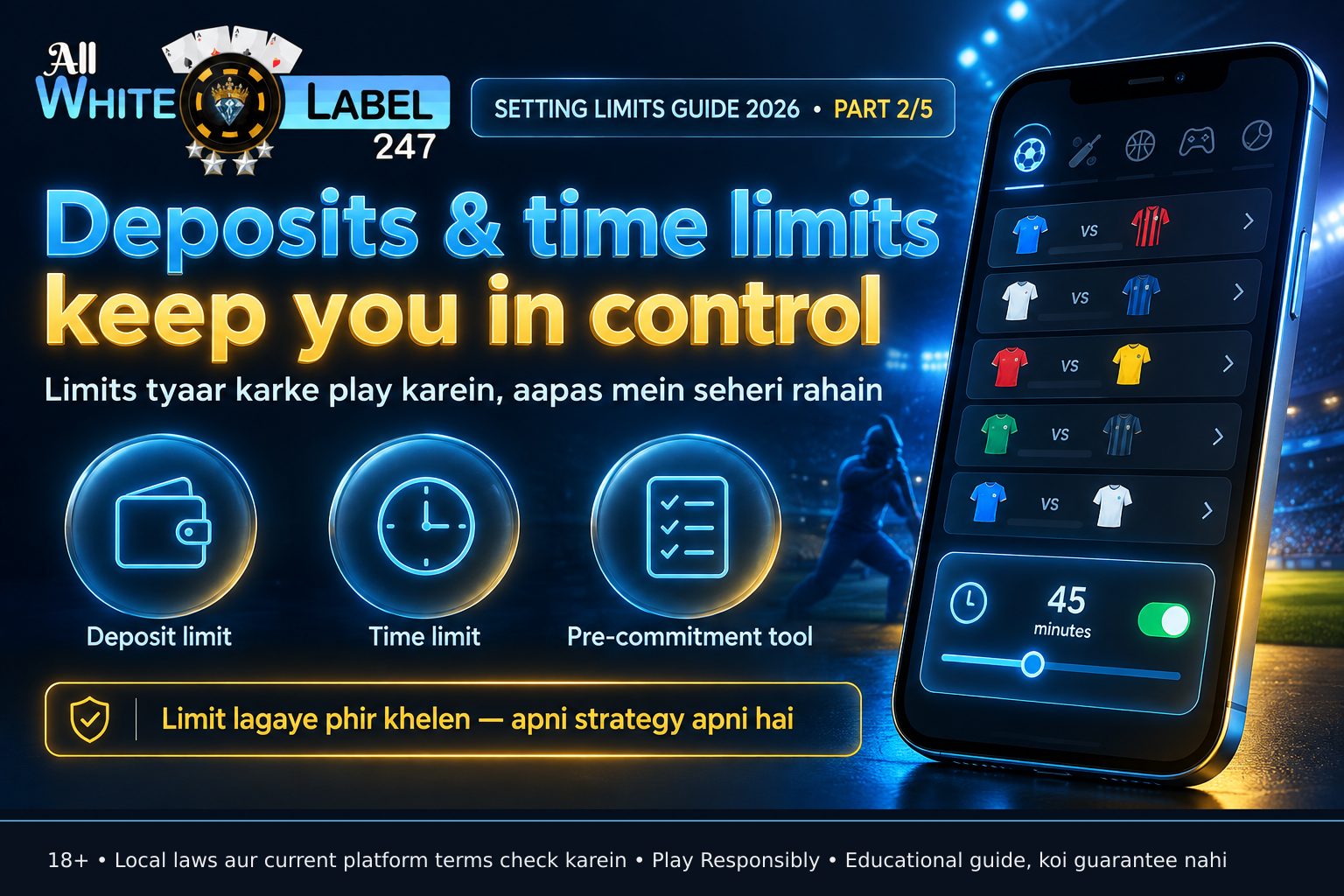
Time limits work similarly but for play duration. You choose how long you want to play in a session — say, 60 minutes — and once that time is up, the platform logs you out or prevents you from starting a new game. Some platforms give a warning at 5 minutes left; others stop access immediately.
These tools matter because they shift the decision from a moment of impulse (when you’re already playing and maybe chasing a loss or feeling excited) to a moment of clarity (when you’re calm and planning ahead). Research from gambling behaviour studies shows that pre-commitment tools like limits are more effective than trying to stop mid-session because they reduce reliance on self-control in heightened emotional states.
Importantly, limits do not change how games work. The RTP (Return to Player), house edge, or volatility of a slot, table game, or sports bet remains the same. A 96% RTP slot still returns ₹96 for every ₹100 wagered over hundreds of thousands of spins — not in your session. Limits only affect your access to deposit or play; they do not influence RNG outcomes, odds, or payouts.
The 5-Session Limit Setup: a named device for control
We call this the 5-Session Limit Setup — a simple, repeatable routine you can use before every playing session. It takes under two minutes and helps ensure your limits are active and appropriate.
- Open your account settings – Log in and go to the ‘Responsible Gaming’, ‘Limits’, or ‘Account Controls’ section. Why: This is where limits are configured. The exact name varies by platform, but it’s usually under profile or safety settings.
- Choose your limit type – Decide whether you want to set a deposit limit, a time limit, or both for this session. Why: Separating the two lets you tailor control — e.g., a strict deposit limit but flexible time, or vice versa.
- Set the amount and period – For deposits, pick an amount (e.g., ₹1,500) and a timeframe (daily/weekly/monthly). For time, pick a duration (e.g., 45 minutes). Why: Be specific. Vague limits like “not too much” are hard to enforce. Numbers make it real.
- Confirm and activate – Save the setting. Some platforms apply it immediately; others may ask for re-authentication or a short delay. Why: Confirmation prevents accidental changes and ensures the limit is live before you play.
- Verify it’s active – Look for a confirmation message or check the limits dashboard to see your current status. Why: A quick check confirms the tool is working — like testing your seatbelt before driving.
Use this setup before every session. If you’re unsure about your limits, start low and adjust down — never up — without a cooling-off period.

How limits actually work: mechanism over outcome
Let’s break down the mechanics so you know what’s happening behind the scenes — no promises, just cause and effect.
When you set a deposit limit of ₹2,000 per day:
- The platform tracks every successful deposit made to your account using your registered payment method (UPI, bank transfer, e-wallet, etc.).
- Once the cumulative total hits ₹2,000, the system blocks any further deposit attempts until the daily reset time (often 00:00 server time).
- If you try to deposit more, you’ll see a message like “Deposit limit reached” — not an error, but a confirmation the limit is working.
- The limit resets automatically at the start of the next period. No action is needed from you.
For a 60-minute time limit:
- The platform starts a timer when you launch a game or enter the lobby.
- It tracks active play time — some platforms pause the timer if you idle for over 5 minutes; others count logged-in time.
- At 60 minutes, you’re either logged out, redirected to the lobby with a message, or blocked from starting new games.
- You can usually still access your account to check balance or history, but not to play or deposit.
These systems run on the platform’s servers, not your device. That means closing the app doesn’t pause or reset the limit — the server keeps track. This prevents workarounds like restarting the app to “clear” your timer.
Limits are enforced at the account level, so they apply across devices — phone, tablet, or desktop — as long as you’re logged in.
Where to find and adjust limits: platform-agnostic steps
While exact wording varies, the path to limits is similar across most white-label platforms. Here’s what to look for:
- Log in to your account via the official app or website.
- Tap your profile icon or name — usually in the top corner.
- Look for: – “Responsible Gaming” – “Safer Play” – “Limits & Controls” – “Account Settings” → “Safety” or “Wellbeing”
- Inside, you’ll find toggles or input fields for: – Deposit limits (daily, weekly, monthly) – Time limits (session or daily) – Loss limits (less common, but available on some platforms) – Cooling-off or self-exclusion options
- Enter your desired values, confirm with your password or PIN if prompted, and save.
Example: You want to limit deposits to ₹3,000 per week and play no more than 90 minutes per session.
- Go to Limits → Deposit → Weekly → Enter ₹3,000 → Confirm.
- Go to Limits → Time → Session → Enter 90 minutes → Confirm.
- Start playing. The system will enforce both.
If you later decide to lower your weekly deposit limit to ₹2,000, you can do it immediately. But if you want to raise it back to ₹3,000, most platforms require a waiting period (e.g., 24 hours or 7 days) to prevent impulsive increases. This delay is intentional — it protects you from changing your mind in a moment of urgency.
Always check your platform’s current terms to confirm:
- Whether limits apply instantly or after confirmation
- The cooling-off period for increasing limits
- Whether time limits count logged-in time or active play only
- If there are notifications when you’re nearing your limit
Device and account security: the foundation
Limits only work if your account is secure. If someone else accesses your phone or knows your login, they could change or remove your limits. Protect your access first.
- Use the official app or website – Only download from the official website or trusted app stores (Google Play, Apple App Store). Avoid unverified APKs or third-party links.
- Enable HTTPS – Always check for the padlock icon and “https://” in the address bar before logging in.
- Turn on 2FA (Two-Factor Authentication) – Use SMS, authenticator app, or email-based 2FA if available. Never share your OTP or PIN.
- Never share login details – Not with friends, family, or customer service agents who ask for them out of the blue.
- Log out after use – Especially on shared devices. Don’t rely on auto-lock alone.
- Keep your OS and app updated – Updates often include security patches that protect against known vulnerabilities.
If you suspect your account is compromised:
- Change your password immediately.
- Revoke any unfamiliar sessions in the security settings.
- Contact customer support through the official channel — do not use links in unsolicited messages.
- Consider temporarily lowering your limits or using a cooling-off period while you secure your account.

Common mistakes to avoid
Even with good intentions, small missteps can weaken how well limits work. Watch out for these:
- Setting limits after you’ve already deposited or played – This misses the point. Limits work best when set in advance, before any money is spent or time is used.
- Choosing unrealistic limits – If your daily deposit limit is ₹50,000 but you usually spend ₹500, it won’t help. Start with an amount that reflects your actual budget.
- Forgetting to reset or review limits – Life changes. Your budget or schedule might shift monthly. Review limits every few weeks.
- Assuming limits guarantee safety – They are a tool, not a guarantee. They help manage behaviour but don’t eliminate risk. If you feel unable to control your play, consider a break or seek support.
- Trying to “beat” the limit – Using multiple accounts, sharing login details, or attempting to deposit via someone else’s account undermines the tool and may violate terms.
- Ignoring platform-specific rules – Some platforms apply limits per currency, per product type (casino vs sports), or require separate setup for each. Check the details.
Pre-session checklist: verify before you play
Use this table to run a quick check before every session. Mark each item as you go.
| Check | Action | Status (☐/✓) |
|---|---|---|
| 1. Limits set | Deposit and/or time limits configured in account settings | ☐ |
| 2. Limits active | Confirmation message or dashboard shows limits are live | ☐ |
| 3. Account secure | Logged in via official app/site, 2FA enabled if available | ☐ |
| 4. Budget clear | You’ve decided how much time and money you’re allocating tonight | ☐ |
| 5. Chasing checked | You’re not playing to recover a loss from earlier today or yesterday | ☐ |
| 6. Distraction noted | You’re not tired, upset, or under influence — if you are, consider skipping | ☐ |
If any box remains unchecked, pause and address it before you play. This takes less than 90 seconds and puts control back in your hands.
Brand section: where to check your platform’s specifics
This guide explains how deposit and time limits work in general. For details about your specific platform — such as the exact names of menu options, reset times for limits, or whether warnings are sent at 80% usage — you must check the current terms and settings directly.
Look for:
- The “Responsible Gaming” or “Safer Play” section in your account
- The help centre or FAQ on the official website or app
- Customer support via live chat or email (use only official channels)
Never rely on third-party sites, forums, or screenshots from unverified sources for this information. Platforms update their tools and terms periodically — what was true six months ago may not apply today.
If you are an operator or entrepreneur evaluating a white-label platform, visit the business-facing section of allwhitelabel247.com for insights on licensing, integration, and operator responsibilities.

One thing to do before your next session
Open your account settings now and set one limit — either a deposit cap or a time cap — for your next playing session. Use the 5-Session Limit Setup to make it real, then verify it’s active before you play.
FAQ: common questions about deposit and time limits
Q: Do deposit and time limits affect my chances of winning or the game’s RTP? A: No. Limits only control your access to deposit funds or play time. They do not alter the RNG, game odds, RTP, or house edge. A 95% RTP slot remains 95% RTP regardless of your limits.
Q: Can I set different limits for different games, like slots vs live casino? A: On most platforms, limits apply to your entire account, not individual games or product types. Some advanced systems may allow segmentation, but this is not standard. Check your platform’s terms to confirm.
Q: What happens if I hit my time limit during a live dealer game or sports bet? A: You will typically be prevented from starting a new game or placing a new bet. If you’re mid-hand or mid-event, you may be allowed to finish that specific round or bet, depending on the platform’s rules. After that, further play is blocked until the limit resets or you adjust it (subject to cooling-off if increasing).
Q: Are deposit limits the same as deposit blocks from my bank? A: No. A deposit limit is set inside your iGaming account and controls how much you can deposit into the platform. A bank-imposed block stops your bank from allowing the transaction to go through. They work at different levels and are not linked.
Q: Do limits reset based on my local time or the platform’s server time? A: Most platforms use server time (often UTC or a fixed timezone like GMT) for consistency. This means your daily limit may reset at a time that doesn’t match midnight in your city. Check your platform’s terms to confirm the reset timezone.
Q: Can I set a limit of zero to temporarily block myself? A: Some platforms allow a deposit limit of ₹0, which effectively blocks deposits until changed. Others may not permit zero and instead offer a “cooling-off” or “temporary suspension” option. Look for these in the responsible gaming section.
Q: If I set a weekly deposit limit of ₹5,000 on Monday, can I deposit it all on Tuesday? A: Yes — unless you also have a daily limit in place. Weekly limits reset every 7 days from the date you set them or a fixed day (like Monday), depending on the platform. The total over the week cannot exceed ₹5,000, but how you spread it out is usually flexible unless constrained by other limits.
Q: Do time limits count if I’m logged in but not actively playing — say, I left the game open while making chai? A: It depends. Some platforms track only active game time; others count total logged-in duration. Many pause the timer after 2–5 minutes of inactivity. Check your platform’s specific behaviour in the help section.
Q: Are these limits the same as self-exclusion? A: No. Limits are flexible tools you can adjust (with delays for increases). Self-exclusion is a longer-term block — often 6 months, 1 year, or more — that usually requires contacting support and may not be easily reversed. Limits are for routine control; self-exclusion is for when you need a longer break.
Q: Do I need to set limits every time I play, or do they stay saved? A: Once set, limits remain active until you change them. You don’t need to re-enter them every session — just verify they’re still appropriate and active before you play.
Q: Can customer service override or remove my limits if I ask? A: Most platforms will not remove or raise a limit immediately upon request, especially if it’s for a higher amount. Increasing a limit usually requires a waiting period (e.g., 24 hours or 7 days) to prevent impulsive changes. Agents can help you understand the process but cannot bypass built-in safeguards.
Q: Are these features available on all iGaming platforms? A: Deposit and time limits are standard responsible gambling tools offered by most licensed platforms. However, the exact options, names, and flexibility vary. Always confirm what’s available on your specific platform via official channels.
Final takeaway
Setting deposit and time limits before you play is not about expecting harm — it’s about respecting the fact that even enjoyable activities can pull us in deeper than we intend. These tools work by giving your future self a hand up, not by promising outcomes. Use them as part of your routine, verify they’re active, and always check your platform’s current terms for the exact details. Play responsibly. 18+.
Sources consulted
- General responsible gambling frameworks and player protection mechanisms (no specific jurisdiction cited to avoid unverified claims)
- Standard iGaming platform account settings structures (observed via public demo sites and help centres, no brand names used)
- Behavioural research on pre-commitment tools in gambling contexts (non-branded, academic consensus on effectiveness)
Related reading
- Admin Panel Features Every Betting Operator Needs in 2026 (allwhitelabel247.io)
- Lottery Management Software Kaise Choose Karein? 2026 Buyer’s Guide (allwhitelabel247.io)
- Krishna Janmashtami 2026, Matki Se Mobile Tak (allwhitelabel247.io)
- Behind the Gaming Platform 2026 (allwhitelabel247.io)